
Elegant Diploma Templates for Academic Recognition
Create a formal diploma for graduates, academic programs, and completion ceremonies with a balanced layout that remains clear when printed or shared digitally.
Create an Elegant Diploma in 3 Steps
Choose a diploma style, enter the academic details, and download a polished certificate for your ceremony or records.
Choose a diploma template
Select the formal diploma layout that best matches your institution or program.
Enter graduate and program details
Add the recipient name, degree or program, institution, graduation date, and optional diploma number.
Preview and create the PDF
Review the live preview, then download the diploma as a print-ready PDF.
Choose a diploma template
Select the formal diploma layout that best matches your institution or program.
Enter graduate and program details
Add the recipient name, degree or program, institution, graduation date, and optional diploma number.
Preview and create the PDF
Review the live preview, then download the diploma as a print-ready PDF.
Elegant Diploma Template FAQ
Common questions about creating formal diploma templates for graduates and academic programs.
What should an elegant diploma include?
A diploma generally includes the institution name, document title, graduate name, degree or program, graduation date, and an authorized signature or verification detail.
Can I use the diploma template for different programs?
Yes. Replace the program, institution, recipient, date, and diploma number while keeping the same formal layout for different graduating classes or academic programs.
Is the diploma suitable for printing?
The fixed landscape layout is designed for a print-ready PDF and can also be shared digitally for review, records, or ceremony preparation.
How can I make a diploma look official?
Use the institution's real name, the exact program title, a consistent date format, an authorized signer, and concise wording. Avoid filler text and decorative elements that reduce legibility.
Related certificate templates
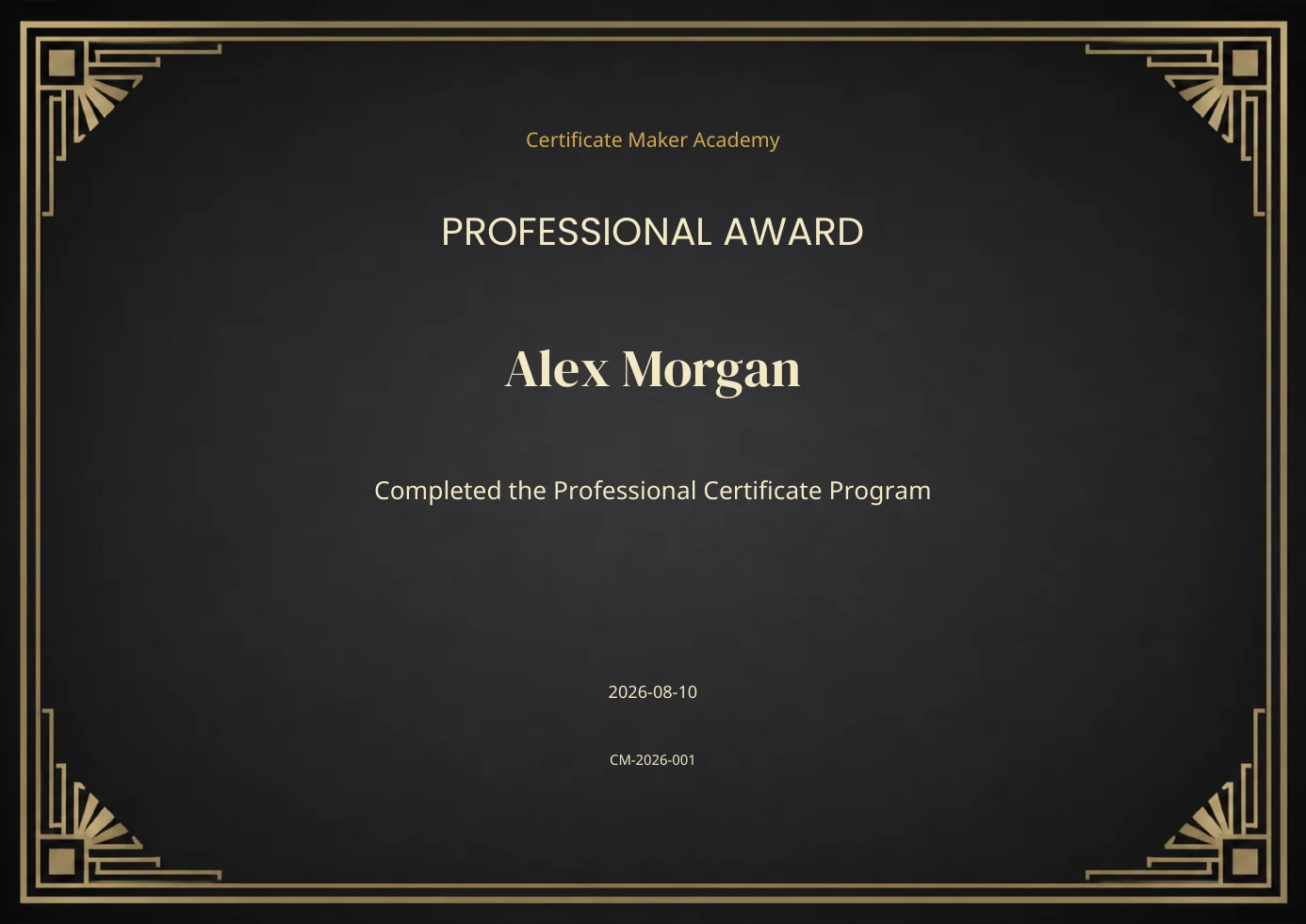
Professional Award
Enterprise-oriented certificate generation for branded, consistent, print-ready results.
Open template →
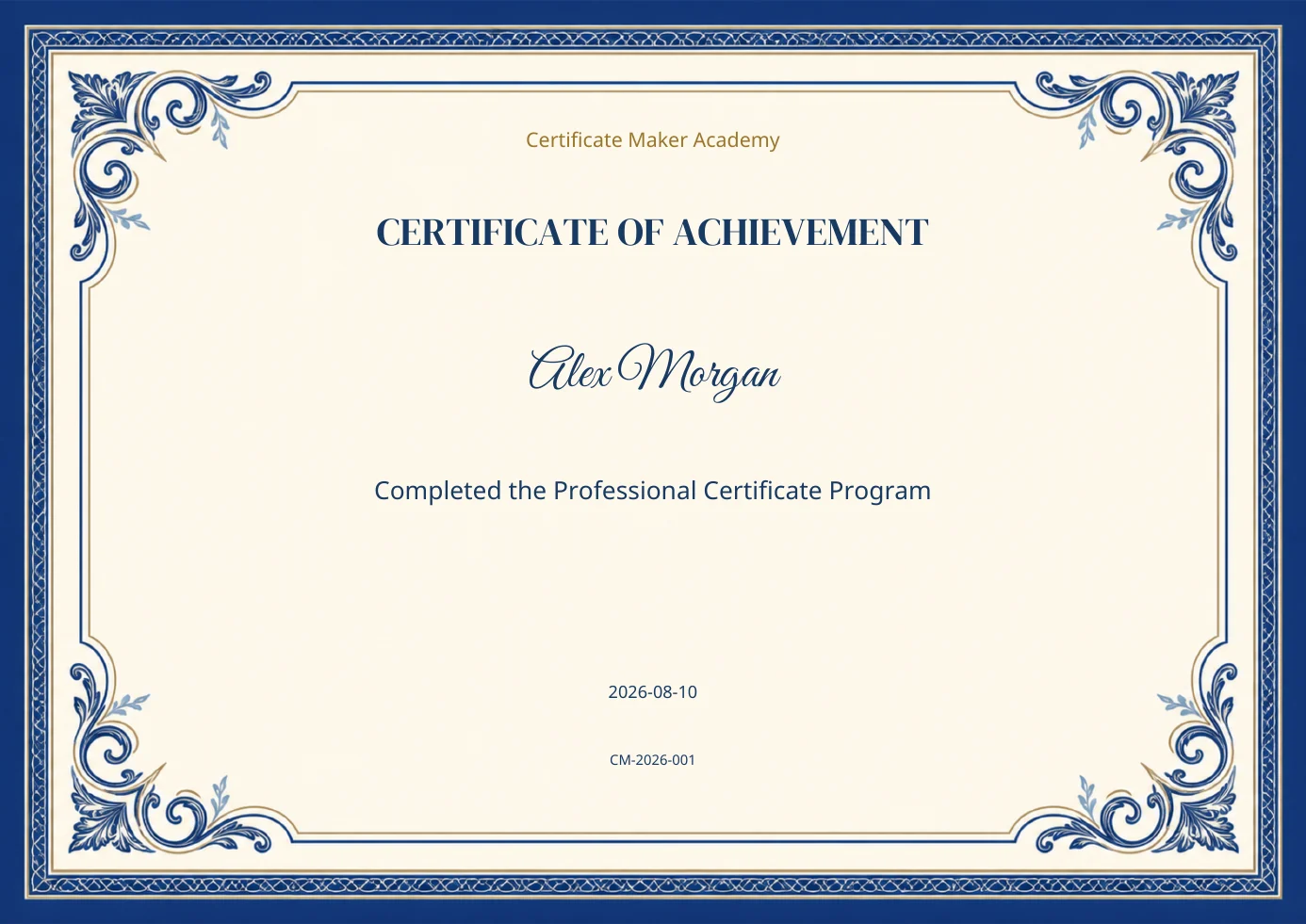
Classic Achievement
Templates for academic, workplace, and milestone achievement certificates.
Open template →
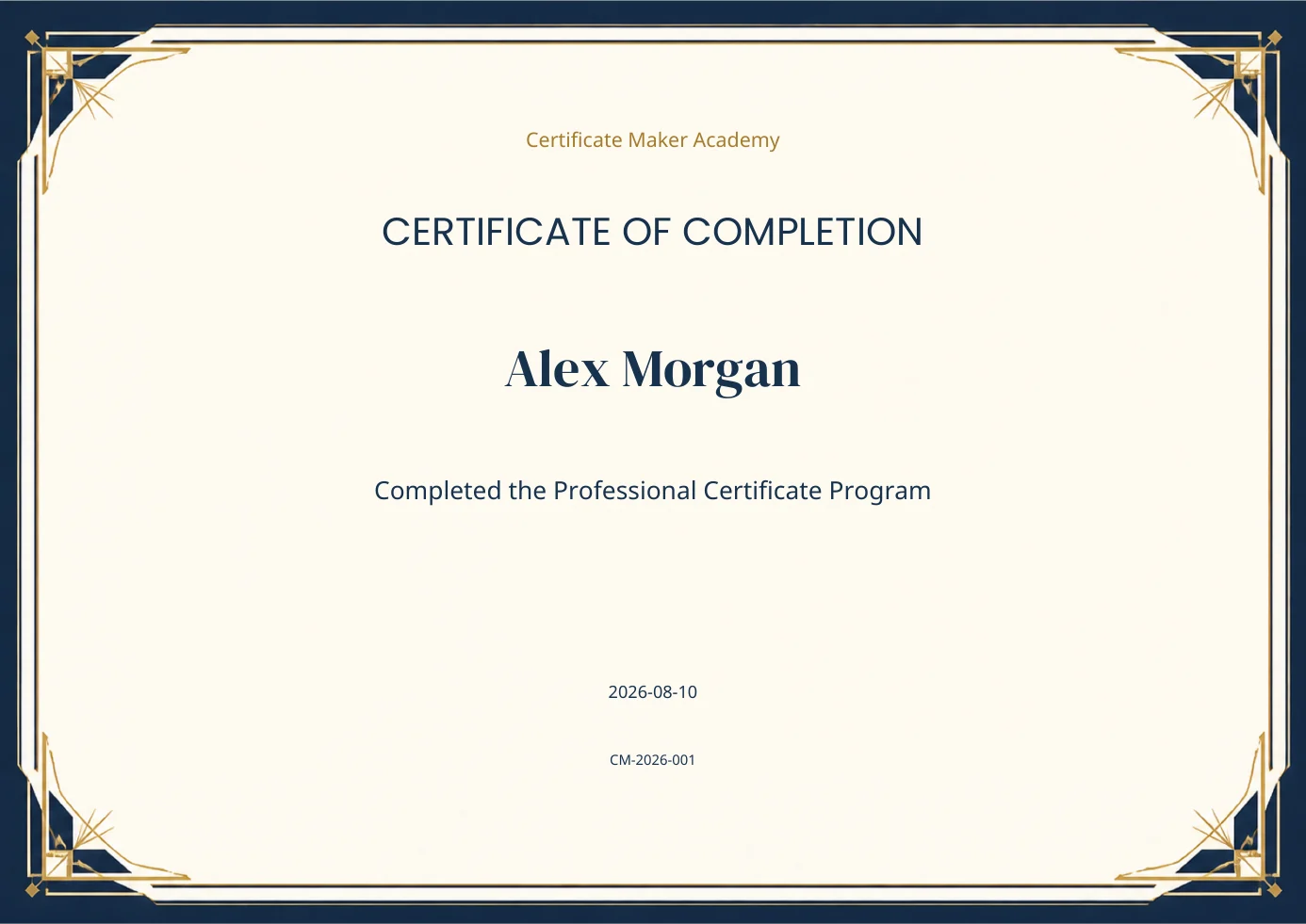
Geometric Completion
Templates for courses, workshops, and training programs that need clean, formal validation.
Open template →
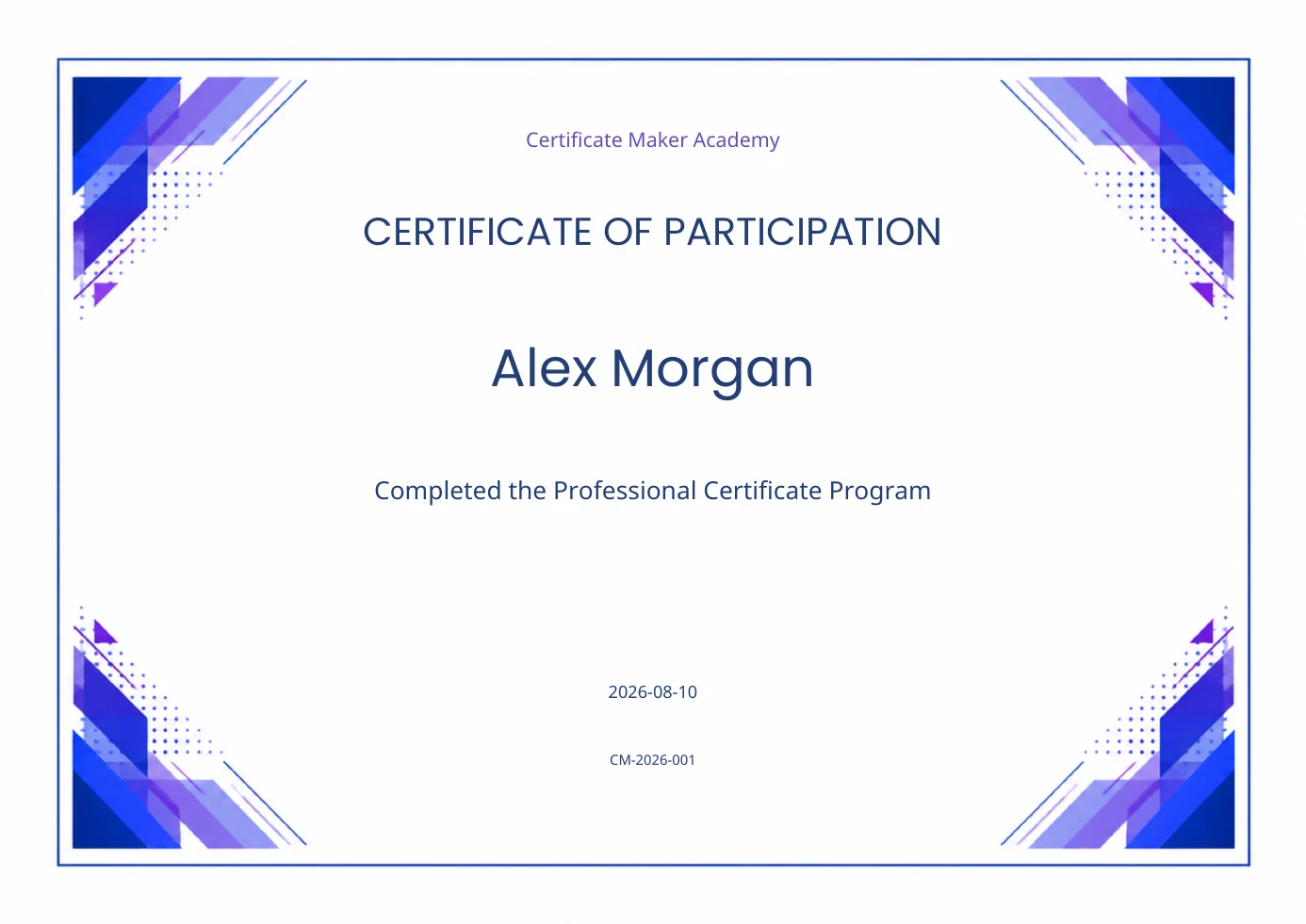
Event Participation
Event and workshop participation certificates with cleaner hierarchy and modern layouts.
Open template →
Create a Polished Diploma Template
Choose a formal diploma layout, add the graduate details, and download a clear PDF for presentation or academic records.