AI Certificate Designer — Create Professional Certificates

Generate professional certificate designs with AI. Describe your certificate or upload a reference to customize.

Select Model
*
0/5000

Ready to create

Upload a photo or write a detailed prompt to watch AI bring your idea to life.

Capabilities

AI Certificate Designer Features

Use Certificate Maker to create professional certificates with AI-powered design, elegant typography, and print-ready export quality.

AI certificate design quality
Design Quality

Professional certificate layouts from text descriptions

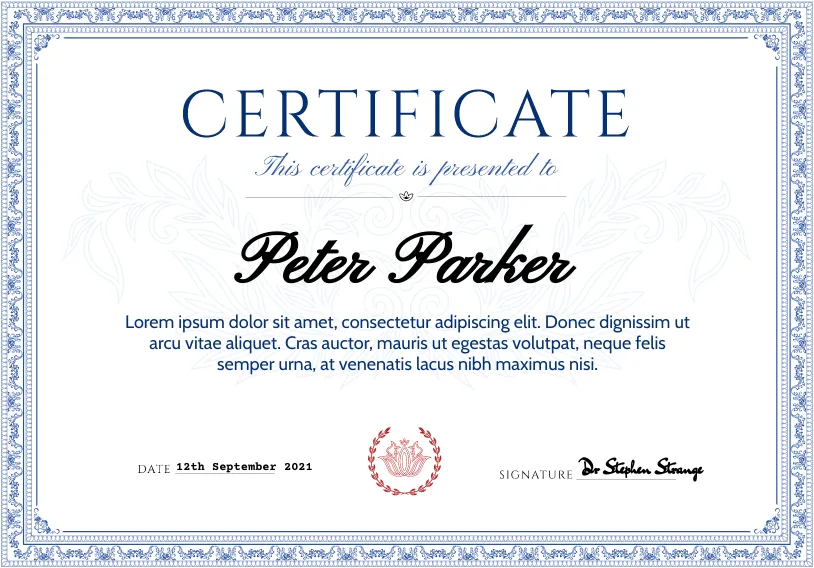
Describe your certificate needs and the AI generates polished designs with proper formatting, borders, and decorative elements for formal documents.

  • Consistent, professional layouts every time.
  • Proper spacing, hierarchy, and formal styling.
Certificate customization
Customization

Full control over certificate style and branding

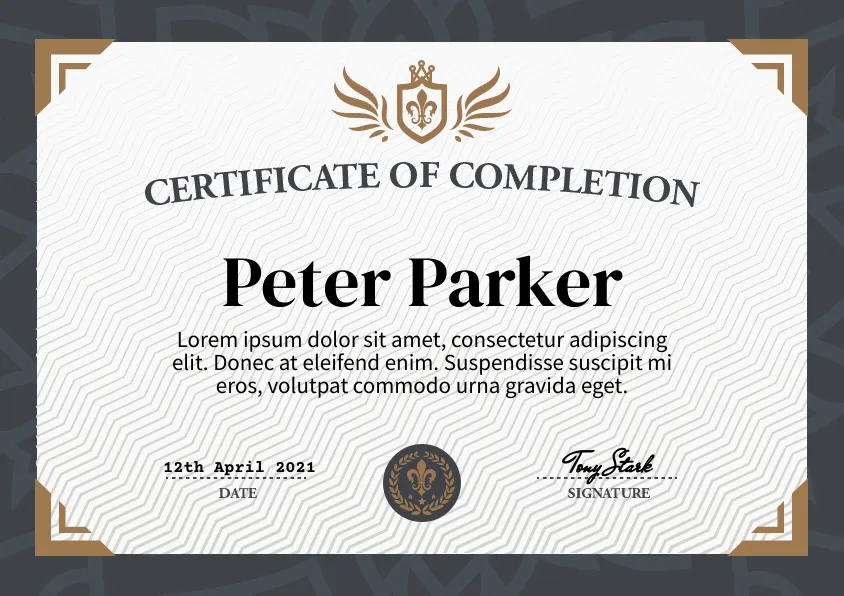
Customize colors, fonts, borders, logos, and layout to match your organization's brand identity across all certificates.

  • Upload logos and specify brand colors.
  • Consistent branding across certificate batches.
Certificate generation speed
Efficiency

Generate certificates faster than traditional design tools

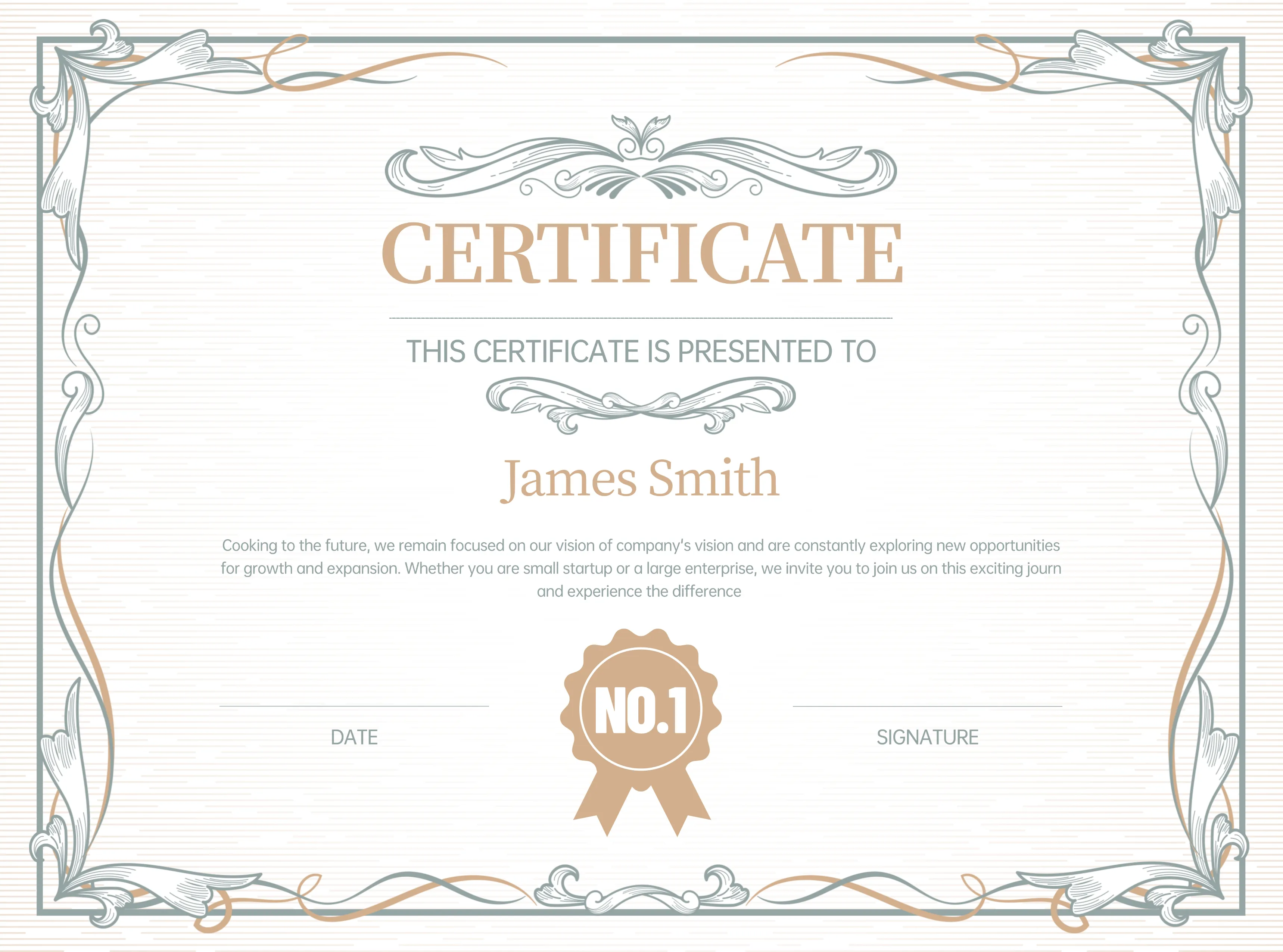
Create polished certificates in seconds instead of hours. Perfect for organizations that issue certificates at scale.

  • From description to print-ready certificate in seconds.
  • Efficient batch production for large cohorts.
Benchmark

AI Certificate Designer vs Manual Certificate Creation

Compare Certificate Maker's AI-powered workflow with traditional manual certificate design using Photoshop, Canva, or Word templates.

Workflow CriteriaKey factors for certificate production
RecommendedCertificate MakerAI-powered and efficient
Manual DesignTemplate-based and time-consuming
Time to first designHow quickly you get a usable certificate
Under 30 seconds with a clear description.
30-60 minutes with manual template editing.
Batch certificate productionCreating multiple certificates efficiently
Generate variations quickly for entire groups.
Each certificate requires individual editing.
Design consistencyMaintaining uniform styling across certificates
AI maintains consistent styling automatically.
Manual effort to ensure consistency.
Typography qualityProfessional text rendering for formal documents
Elegant, readable fonts with proper hierarchy.
Requires manual font selection and spacing.
Required skillsDesign expertise needed
No design skills — describe in plain language.
Proficiency in design tools required.
How It Works

Create Certificates in 3 Steps

A simple workflow for organizations, educators, and event planners.

Describe your certificate

Enter details about the certificate type, style, and occasion.

Refine the design

Adjust colors, borders, typography, and layout to match your brand.

Download and share

Export your certificate in high resolution for printing or digital distribution.

Choose Your Perfect Plan

Choose flexible credit packs or subscriptions for AI certificate generation, customization, and professional design workflows.

Basic

$15.00$7.50/ month

Perfect for individuals and light users

Includes

  • 1,800 credits per year — ~360 certificates/year
  • All certificate style templates included
  • Priority generation queue
  • Basic customer support
  • Early access to new features
  • Commercial use license
50% off — Save $90.00

Pro

Popular
$39.00$19.50/ month

For professional creators and teams

Includes

  • 9,600 credits per year — ~1920 certificates/year
  • All certificate style templates included
  • Priority generation queue
  • Priority customer support
  • Early access to new features
  • Commercial use license
50% off — Save $234.00

Max

$160.00$80.00/ month

Annual plan for high-volume usage

Includes

  • 24,000 credits per year — ~4800 certificates/year
  • All certificate style templates included
  • Highest priority processing
  • Priority customer support
  • Early access to new features
  • Commercial use license
50% off — Save $960.00

Trusted by Teams Worldwide for Certificate Design

See how educators, trainers, and organizations use Certificate Maker to create professional certificates in minutes.

We switched to Certificate Maker for our quarterly employee awards. The templates look polished, though I wish there were more landscape options. Overall, it cut our design time from a week down to a single afternoon.

Lena Ortiz

Lena Ortiz

HR Director at a Mid-Size Tech Firm

We issue over 200 training completion certificates a month. Before Certificate Maker, our team spent hours in Canva. Now we generate them in bulk — the batch feature alone justified the switch.

Marco Chen

Marco Chen

Training Manager, Fortune 500

Parents and graduates are always impressed by the diploma quality. The gold-border templates look genuinely premium. We did need a few rounds to get the Japanese text rendering right, but support was responsive.

Aya Nakamura

Aya Nakamura

Registrar, University of Osaka

I organize a tech conference with 500+ attendees each year. Generating personalized participation certificates used to take days of copy-pasting. Certificate Maker handled it in under an hour — huge relief.

Omar Reyes

Omar Reyes

Event Coordinator

Adding completion certificates boosted my course enrollment by about 15%. Students genuinely value a well-designed credential. The AI picks great color combinations — better than what I'd choose manually.

Zainab Hussain

Zainab Hussain

Online Course Creator

We use Certificate Maker for honor roll, sports awards, and graduation. It keeps a consistent look across everything, which parents appreciate. The only thing I'd love is more kid-friendly decorative borders.

Aliza Khan

Aliza Khan

School Principal, K-12

Volunteer recognition was always an afterthought for us. Now we hand out professional-looking certificates at every event, and the volunteers genuinely love it. It's made a real difference in retention.

Farhan Siddiqui

Farhan Siddiqui

Nonprofit Director

We switched to Certificate Maker for our quarterly employee awards. The templates look polished, though I wish there were more landscape options. Overall, it cut our design time from a week down to a single afternoon.

Lena Ortiz

Lena Ortiz

HR Director at a Mid-Size Tech Firm

We issue over 200 training completion certificates a month. Before Certificate Maker, our team spent hours in Canva. Now we generate them in bulk — the batch feature alone justified the switch.

Marco Chen

Marco Chen

Training Manager, Fortune 500

Parents and graduates are always impressed by the diploma quality. The gold-border templates look genuinely premium. We did need a few rounds to get the Japanese text rendering right, but support was responsive.

Aya Nakamura

Aya Nakamura

Registrar, University of Osaka

I organize a tech conference with 500+ attendees each year. Generating personalized participation certificates used to take days of copy-pasting. Certificate Maker handled it in under an hour — huge relief.

Omar Reyes

Omar Reyes

Event Coordinator

Adding completion certificates boosted my course enrollment by about 15%. Students genuinely value a well-designed credential. The AI picks great color combinations — better than what I'd choose manually.

Zainab Hussain

Zainab Hussain

Online Course Creator

We use Certificate Maker for honor roll, sports awards, and graduation. It keeps a consistent look across everything, which parents appreciate. The only thing I'd love is more kid-friendly decorative borders.

Aliza Khan

Aliza Khan

School Principal, K-12

Volunteer recognition was always an afterthought for us. Now we hand out professional-looking certificates at every event, and the volunteers genuinely love it. It's made a real difference in retention.

Farhan Siddiqui

Farhan Siddiqui

Nonprofit Director

FAQ

AI Certificate Designer FAQ

Common questions about creating certificates with Certificate Maker.

1

Can I create certificates from scratch or from a design?

Yes. You can describe a certificate from scratch or upload an existing design to customize and enhance it.

2

How many revisions are usually needed?

Most users achieve their desired design within one to three refinement rounds.

3

How do I improve certificate design quality?

Provide clear descriptions of the certificate type, style preferences, color scheme, and any specific elements you want included.

4

Can teams use Certificate Maker collaboratively?

Yes. Teams can use Certificate Maker to produce consistent, branded certificates for training programs, events, and organizational needs.

Create Professional Certificates with AI

Use Certificate Maker to design stunning certificates for diplomas, awards, training, and events.