
Online QR Code Certificate Maker with Instant Verification
Create tamper-resistant certificates featuring a scannable verification QR code. Anyone can scan to confirm recipient name, issuer, and issue date online.
Ready to create
Upload a photo or write a detailed prompt to watch AI bring your idea to life.
Built-In Anti-Fraud QR Verification
Turn static graphics into trustworthy, employer-verifiable credentials with zero extra software.

Unique Credential ID per Certificate
Automatically assigns a distinct verification identifier alongside every issued record.
- Auto-generated tamper-resistant code
- Permanent lookup in your issuance registry

Mobile-Friendly Scan Page
Scanning the QR code opens a dedicated /verify check showing recipient and issuer details.
- Instant browser check with no app install
- Shows valid, expired, or revoked status live
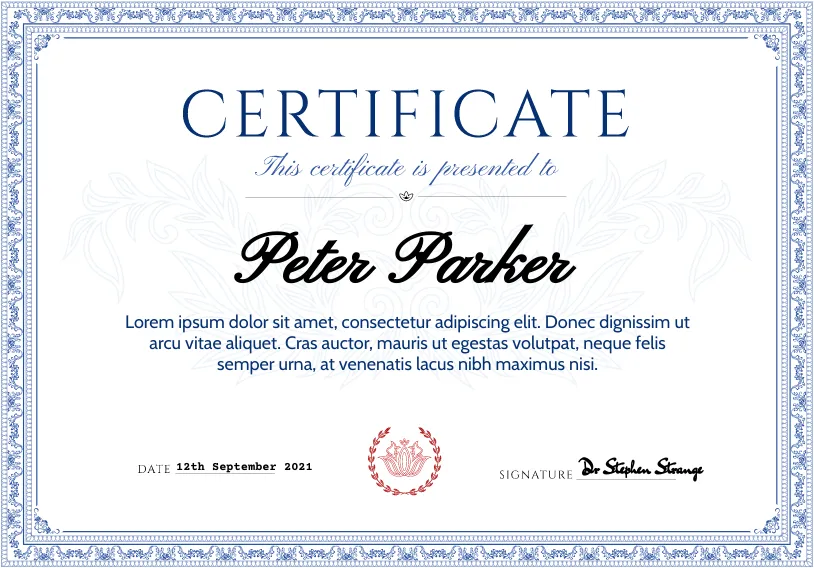
Issuer Seal & Signature Binding
Attach your verified organization name, official seal, and signatory block cleanly.
- Displays verified organization logo and title
- Attaches authorized digital signature block

Print-Ready Vector-Sharp PDFs
Download crisp layouts where QR codes scan reliably on both screens and paper.
- High-contrast QR modules scan on paper or screen
- A4 and US Letter print-ready PDF exports
Plain PDF Graphics vs. QR Verifiable Certificates
Give recipients credentials that employers, schools, and partners can verify in seconds.
CapabilityKey verification features | QR Verified StudioTamper-resistant & scannable | Static Image OnlyUnverified PDF file |
|---|---|---|
Fraud Prevention | Backed by server verification record | Anyone can edit text in PDF |
Employer Trust | Instant smartphone QR scan check | Requires manual email checks |
Revocation & Status | Live valid or revoked status online | No live status indicator |
How to Make a QR Code Certificate in 3 Steps
Design, issue, and publish scannable credentials effortlessly.
Customize the Certificate Layout
Pick a layout style, configure organization branding, and add credential text.
Attach Recipients & Issue Online
Assign each recipient so the system mints a unique verification code and QR URL.
Share Scannable PDFs & Links
Recipients share their verified badge or downloadable certificate anywhere.
Customize the Certificate Layout
Pick a layout style, configure organization branding, and add credential text.
Attach Recipients & Issue Online
Assign each recipient so the system mints a unique verification code and QR URL.
Share Scannable PDFs & Links
Recipients share their verified badge or downloadable certificate anywhere.
Related Certificate Pages
Follow related certificate makers and template pages to find a page that matches the exact format, audience, or use case you need.

Certificate Templates You Can Customize with AI
Start from a certificate template for awards, diplomas, completions, participation, and appreciation. Add the exact recipient details and generate a polished document online.
Online Certificate Maker — Create Certificates in Your Browser
Make professional certificates online without downloading any software. Design diplomas, awards, and completion certificates directly in your browser with AI.

Free Certificate Maker — Start Creating with Free Credits
Get free starter credits to create professional certificates. Design diplomas, awards, and completion certificates with AI — no credit card required to sign up.

Certificate Creator — Design Custom Certificates Easily
Create custom certificates with an intuitive certificate creator. Design diplomas, awards, and professional credentials in minutes with AI-powered tools.
Certificate Generator — Auto-Generate Professional Certificates
Automatically generate professional certificates with AI. Input your details and the certificate generator produces polished designs for diplomas, awards, and credentials instantly.

Professional Certificate Maker — Enterprise-Grade Certificate Design
Create professional certificates that meet the highest standards. Design elegant diplomas, corporate awards, and formal credentials with AI-powered precision.
Choose Your Perfect Plan
Choose flexible credit packs or subscriptions for AI certificate generation, customization, and professional design workflows.
Basic
For small teams & occasional issuing
What's included
- 600 credits/mo (1-month rollover)
- Unlimited PDF exports (0 credits)
- Verifiable QR certificates (1 credit/cert)
- Batch export up to 200 certificates
- Certificate expiry & revocation
- Immediate or scheduled email delivery
- Custom issuer name, logo & signature
- AI design & editing (5 credits/1K)
Pro
For training & recurring certification programs
What's included
- 2,000 credits/mo (1-month rollover)
- Batch up to 1,000 certificates
- Unlimited PDF exports (0 credits)
- Verifiable QR certificates (1 credit/cert)
- Custom email subject & body templates
- Delivery tracking & one-click resend
- Custom issuer name, logo & signature
- Priority customer support
Max
For large institutions & white-label programs
What's included
- 5,000 credits/mo (1-month rollover)
- Batch up to 2,000 certificates
- Unlimited PDF exports (0 credits)
- Verifiable QR certificates (1 credit/cert)
- White-label verification (no branding)
- Custom email templates & tracking
- Custom issuer name, logo & signature
- Highest-priority dedicated support
QR Code Certificate Maker FAQ
Answers about how certificate QR scanning, verification URLs, and revocation work.
How does the certificate QR code work?
Each online-issued certificate generates a unique URL under /verify/[code] and encodes it into a crisp QR code so anyone can inspect its authenticity.
Do recipients need an app to scan the QR code?
No. Any smartphone camera opens the public verification page directly in a web browser.
Can QR code certificates be verified years later?
Yes, verification records stay stored in your issued registry unless you explicitly revoke a credential.
Does printing the certificate break QR scanning?
No. High-contrast QR modules remain sharp and easy to scan on standard laser and inkjet printouts.
Issue Tamper-Resistant QR Certificates Today
Start in Studio to create professional certificates anyone can verify with one scan.