 Certificate Maker
Upload images
Ready to create
Upload a photo or write a detailed prompt to watch AI bring your idea to life.
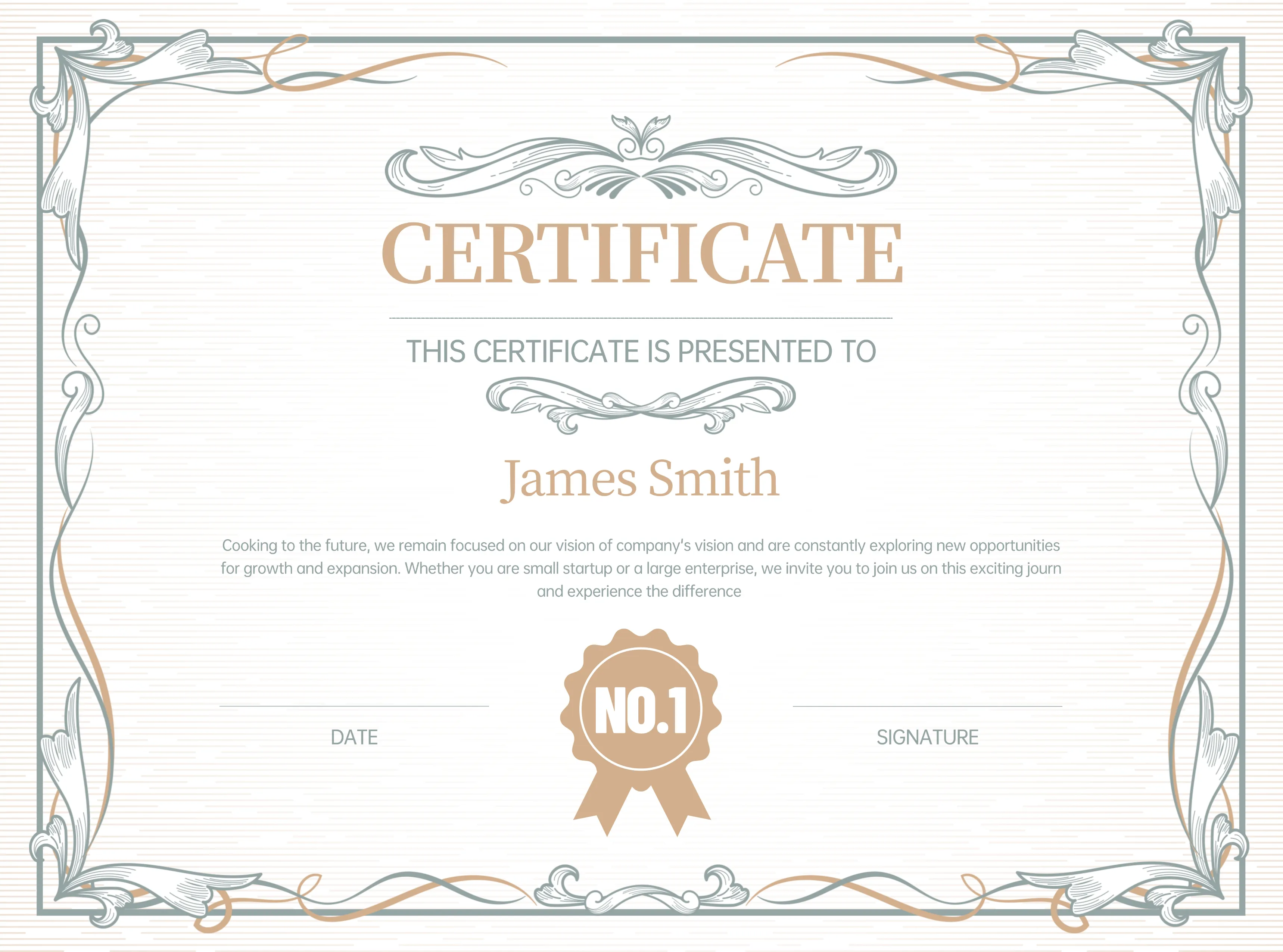
AI-Powered Certificate Enhancement
Upload your existing certificates and let AI enhance, restyle, or completely redesign them. Improve layouts, refine typography, restore damaged certificates, or transform designs to match a new style.
- Certificate RedesignUpload an existing certificate and transform it into a fresh, professional design while preserving the essential information and layout structure.
- Style TransferApply different certificate styles to your uploaded design — transform a basic certificate into an elegant diploma, a formal award, or a modern training certificate.
- Quality EnhancementImprove the visual quality of existing certificates — sharpen text, enhance borders, refine colors, and produce print-ready results.
Enhance Certificates with AI in 3 Simple Steps
Transform your existing certificates into polished, professional designs with our AI certificate editor. No design expertise needed!
Upload Your Certificate
Upload the certificate image you want to enhance or redesign. Supports PNG, JPG, and WebP formats up to 10MB.
Choose Style & Add Instructions
Select a target certificate style and add any specific design instructions. Fill in certificate details if you want text changes.
Generate & Download
Our AI transforms your certificate in seconds, preserving key information while applying the new design. Download the enhanced result.
Upload Your Certificate
Upload the certificate image you want to enhance or redesign. Supports PNG, JPG, and WebP formats up to 10MB.
Choose Style & Add Instructions
Select a target certificate style and add any specific design instructions. Fill in certificate details if you want text changes.
Generate & Download
Our AI transforms your certificate in seconds, preserving key information while applying the new design. Download the enhanced result.
AI Certificate Editor - Frequently Asked Questions
Learn more about our AI certificate editing tool. For additional support, contact us at support@certificatemaker.app.
What can the AI certificate editor do?
The AI editor can redesign certificate layouts, apply new styles, enhance visual quality, improve typography, restore damaged certificates, and transform basic designs into professional-looking certificates.
Will the AI preserve the text on my uploaded certificate?
The AI analyzes the uploaded certificate and uses it as a reference for the new design. For best results, also fill in the Certificate Details form to ensure accurate text rendering on the final output.
What image formats are supported?
We support PNG, JPG, JPEG, and WebP image formats. For best results, upload high-resolution images (1920x1080 or higher) with clear, readable text.
Can I change the certificate style during enhancement?
Yes! Select any of our 10+ certificate styles to transform your uploaded certificate into a completely new design — from formal diplomas to modern training certificates.
How does this differ from the text-to-certificate generator?
The text-to-certificate tool creates certificates from scratch based on your text description. The image-to-certificate editor takes an existing certificate image and transforms, enhances, or redesigns it.
Can I restore old or damaged certificates?
Yes! The AI can help restore faded, damaged, or low-quality certificate images by enhancing text clarity, repairing borders, and improving overall visual quality.
Enhance Your Certificates with AI Today
Upload your existing certificates and transform them into polished, professional designs with our AI-powered certificate editor.