
Completion Certificate Templates
Employee Training Certificate Templates
Give every employee who finishes an internal course a certificate that HR can file and auditors can trust. These templates are laid out like real workplace training records: the company name, the employee, the exact training they completed, the completion date and the signing manager, so onboarding, product and compliance sessions all end with the same clear document.
PDF preview
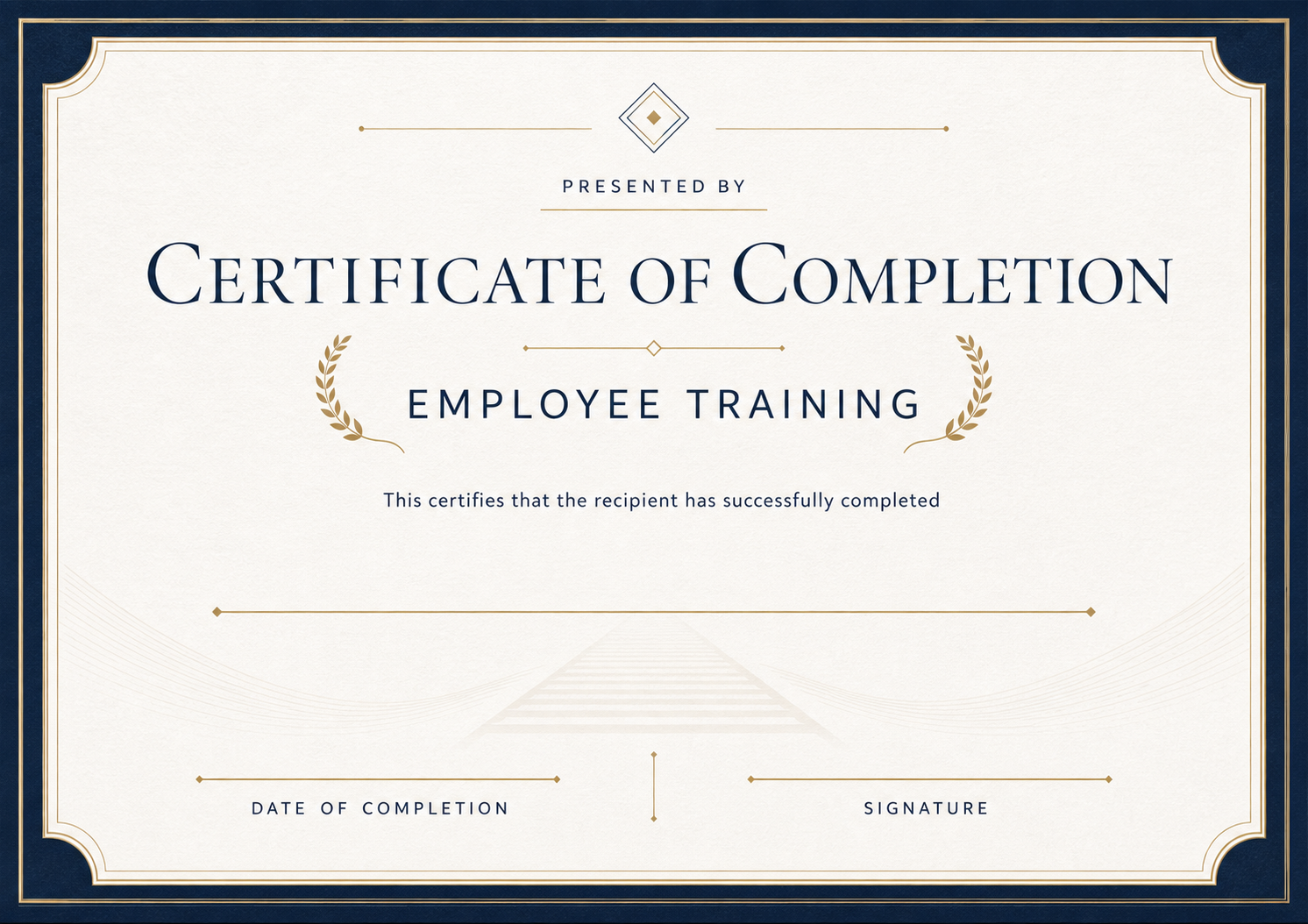
Employee Training — Landscape
Fill in the fields to update the preview.
Customize and Export in 3 Steps
Every certificate layout uses fixed typography and balanced spacing, ready for single downloads or batch issuance.
Pick a certificate template
Start with a print-ready design tailored to your occasion, with preset borders, seals, and typography.
Fill in recipient details
Enter names, dates, issuer titles, and signatures—or switch to Batch mode to import a spreadsheet.
Preview and export PDF
Inspect the live rendered preview, then export crisp print-ready PDFs or shareable digital credentials.
Pick a certificate template
Start with a print-ready design tailored to your occasion, with preset borders, seals, and typography.
Fill in recipient details
Enter names, dates, issuer titles, and signatures—or switch to Batch mode to import a spreadsheet.
Preview and export PDF
Inspect the live rendered preview, then export crisp print-ready PDFs or shareable digital credentials.
Who uses these templates
Organizations and teams that commonly issue certificates in this category.
- HR teams closing out onboarding and induction programs
- Managers recording product, software or process training
- L&D teams issuing a certificate after every internal course
- Franchise and retail staff completing standard operating training
Frequently asked questions
Answers to common questions about fields, printing, and customization.
What should an employee training certificate include?
The company name, the employee's full name, the name of the training, the completion date and the name and signature of the trainer or manager. A certificate ID helps HR find the record later.
Can I issue certificates for a whole training cohort at once?
Yes. Upload a CSV with one row per employee and download all certificates as one ZIP. Batch generation is part of the paid plans.
Can I add our company logo and colors?
Yes. Save a copy of the template to your workspace and add your logo, signature image and brand colors in the editor.
Is the PDF suitable for printing?
The PDF is generated at print resolution on an A4 landscape page, so it prints cleanly on standard office printers.
Ready to Issue Professional Certificates?
Customize any template online with instant live preview, or open Studio to manage batches, branding, and verification.