
Completion Certificate Templates
Create polished completion certificates for courses, workshops, training programs, and professional development milestones.
- 1 subcategory
- 1 template
- Print-Ready A4 PDF
- Live Browser Preview
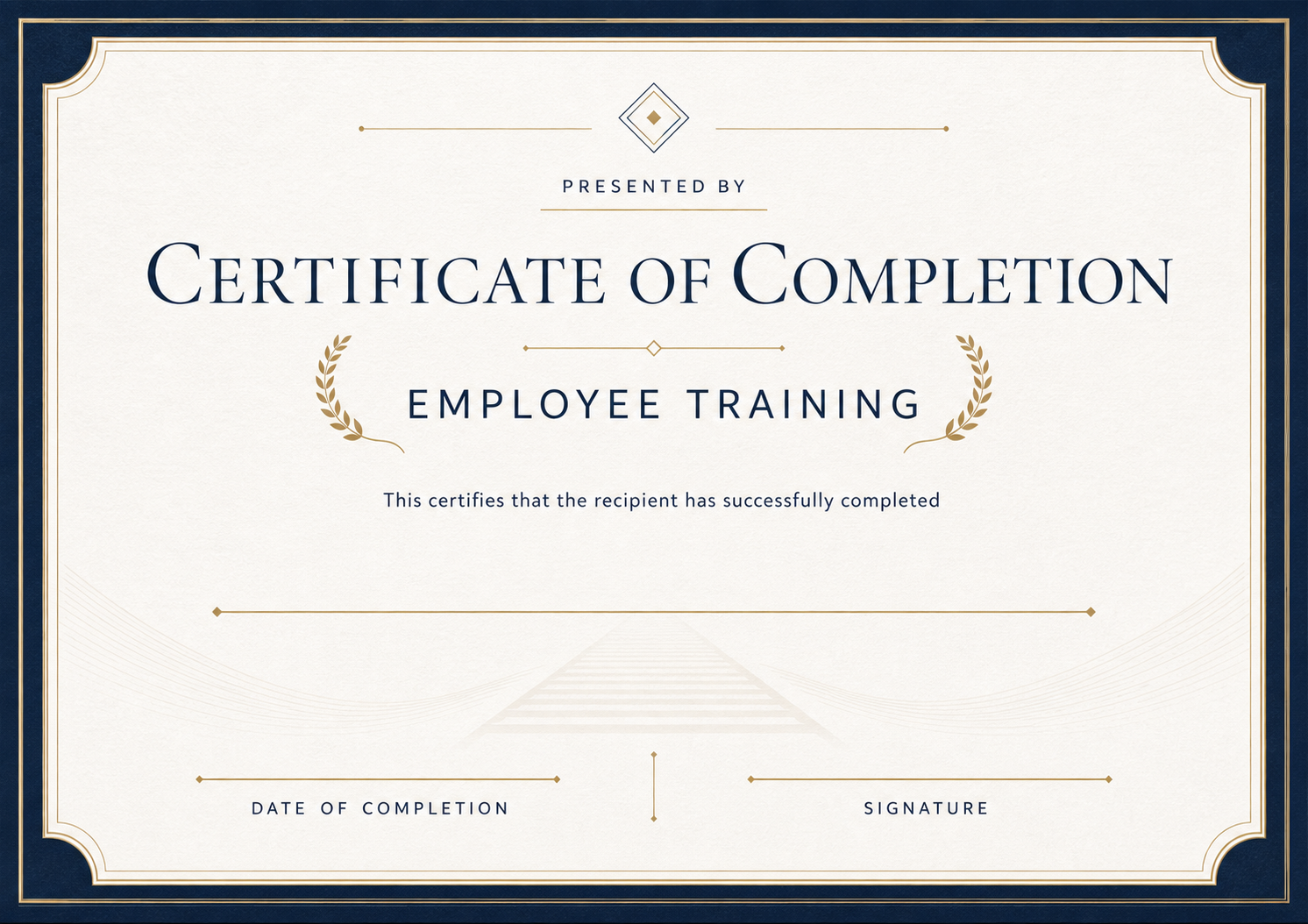
Employee Training Certificate Templates
Create employee training certificates online. Add the trainee, course, trainer and date, then download a print-ready PDF for HR records.
Key Elements Included in This Collection
A well-structured completion certificate documents exactly what a learner finished, when they finished it, and who verified the milestone. Every template in this collection balances formal title hierarchy with generous negative space for course names, training hours, completion dates, and authorized signatures, ready for single PDF downloads or batch spreadsheet issuance.
- 01Dedicated fields for learner name, course or training title, and completion date
- 02Clean layout space for training hours, module scope, or instructor credentials
- 03Pre-aligned signature lines, organization logo zone, and decorative official seal
- 04Print-ready A4 landscape typography with optional certificate ID and QR verification
Customize and Export in 3 Steps
Every certificate layout uses fixed typography and balanced spacing, ready for single downloads or batch issuance.
Pick a certificate template
Start with a print-ready design tailored to your occasion, with preset borders, seals, and typography.
Fill in recipient details
Enter names, dates, issuer titles, and signatures—or switch to Batch mode to import a spreadsheet.
Preview and export PDF
Inspect the live rendered preview, then export crisp print-ready PDFs or shareable digital credentials.
Pick a certificate template
Start with a print-ready design tailored to your occasion, with preset borders, seals, and typography.
Fill in recipient details
Enter names, dates, issuer titles, and signatures—or switch to Batch mode to import a spreadsheet.
Preview and export PDF
Inspect the live rendered preview, then export crisp print-ready PDFs or shareable digital credentials.
Who uses these templates
Organizations and teams that commonly issue certificates in this category.
- Corporate L&D and HR teams issuing onboarding and internal training credentials
- Online course creators, cohort academies, and coding bootcamps graduating learners
- Workshop facilitators and community educators wrapping up hands-on classes
- Compliance and safety coordinators documenting completed employee sessions
Frequently asked questions
Answers to common questions about fields, printing, and customization.
When should I issue a completion certificate instead of a participation certificate?
Use a completion certificate when participants had to finish modules, pass assessments, or complete a structured curriculum. Use a participation certificate when confirming attendance alone.
Can I include total learning hours or CE credits on these templates?
Yes. Every completion layout includes flexible subtitle and description fields where you can list instruction hours, module counts, or continuing-education credits.
How do I issue completion certificates for an entire class at once?
Pick any template, enter your course details once, and upload a CSV spreadsheet in Batch mode to generate personalized PDFs for every graduate in one download.
Are the exported PDFs ready for both office printing and digital sharing?
Yes. All templates render at print-grade resolution on standard A4 proportions and look crisp when printed or uploaded to LinkedIn and digital portfolios.
Explore More Categories
Issuing certificates for another occasion? Switch directly to any related template collection.
Ready to Issue Professional Certificates?
Customize any template online with instant live preview, or open Studio to manage batches, branding, and verification.