
Completion Certificate Templates
Workshop Completion — Landscape Certificate Template
A short hands-on workshop deserves a certificate that names exactly what the participant worked on. These templates give the workshop title room to breathe, keep the host or studio name prominent, and leave space for a date and facilitator signature, so creative studios, makerspaces and corporate trainers can hand out certificates the same day the session ends.
PDF preview
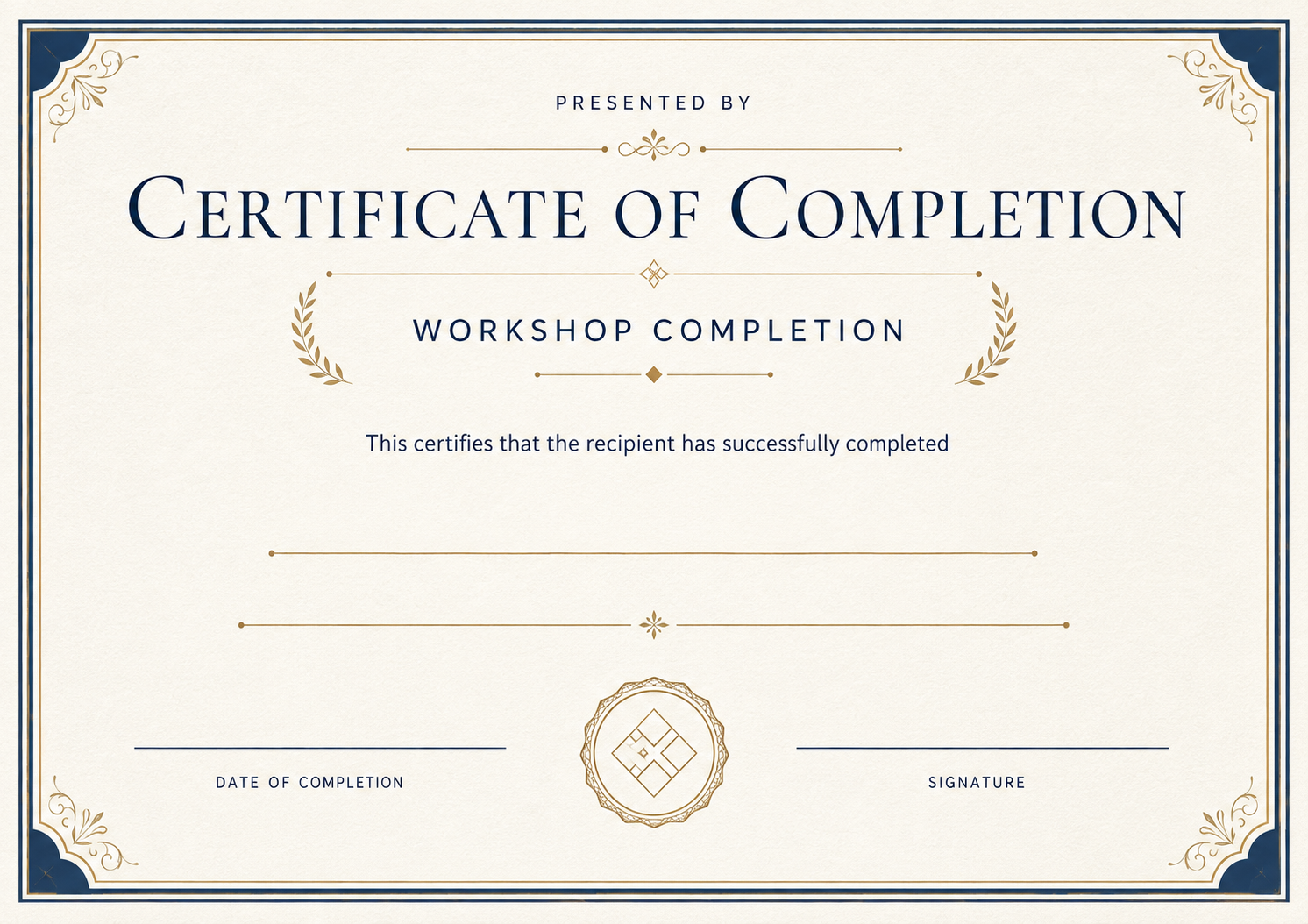
Workshop Completion — Landscape
Fill in the fields to update the preview.
Customize and Export in 3 Steps
Every certificate layout uses fixed typography and balanced spacing, ready for single downloads or batch issuance.
Pick a certificate template
Start with a print-ready design tailored to your occasion, with preset borders, seals, and typography.
Fill in recipient details
Enter names, dates, issuer titles, and signatures—or switch to Batch mode to import a spreadsheet.
Preview and export PDF
Inspect the live rendered preview, then export crisp print-ready PDFs or shareable digital credentials.
Pick a certificate template
Start with a print-ready design tailored to your occasion, with preset borders, seals, and typography.
Fill in recipient details
Enter names, dates, issuer titles, and signatures—or switch to Batch mode to import a spreadsheet.
Preview and export PDF
Inspect the live rendered preview, then export crisp print-ready PDFs or shareable digital credentials.
Who uses these templates
Organizations and teams that commonly issue certificates in this category.
- Creative studios and makerspaces running weekend workshops
- Corporate facilitators closing a half-day or full-day session
- Community centers offering skills classes
- Conference organizers running hands-on tracks
Frequently asked questions
Answers to common questions about fields, printing, and customization.
What is the difference between a workshop completion and a participation certificate?
A completion certificate confirms the person finished the workshop's activities. A participation certificate only confirms attendance. Use completion when there was work to finish.
Can the workshop title be long?
Yes. The title field shrinks text to fit, so titles such as "Introduction to Watercolor Botanical Illustration" still fit on one or two lines.
Can I hand certificates out on the day?
Generate one certificate per participant from the template page, or upload your sign-up list as a CSV and download every certificate as a ZIP.
Do participants need an account?
No. Only the person issuing certificates needs to create them; participants just receive the PDF.
Related certificate categories






Ready to Issue Professional Certificates?
Customize any template online with instant live preview, or open Studio to manage batches, branding, and verification.