
Participation Certificate Templates
Conference Attendance Certificate Templates
Attendees often need proof they attended a conference, for an employer, a professional body or a visa file. These templates state it clearly: the attendee's name, the conference title, the dates and location, the organizer and, when relevant, the number of sessions or hours attended, in a clean design that suits professional and academic events.
PDF preview
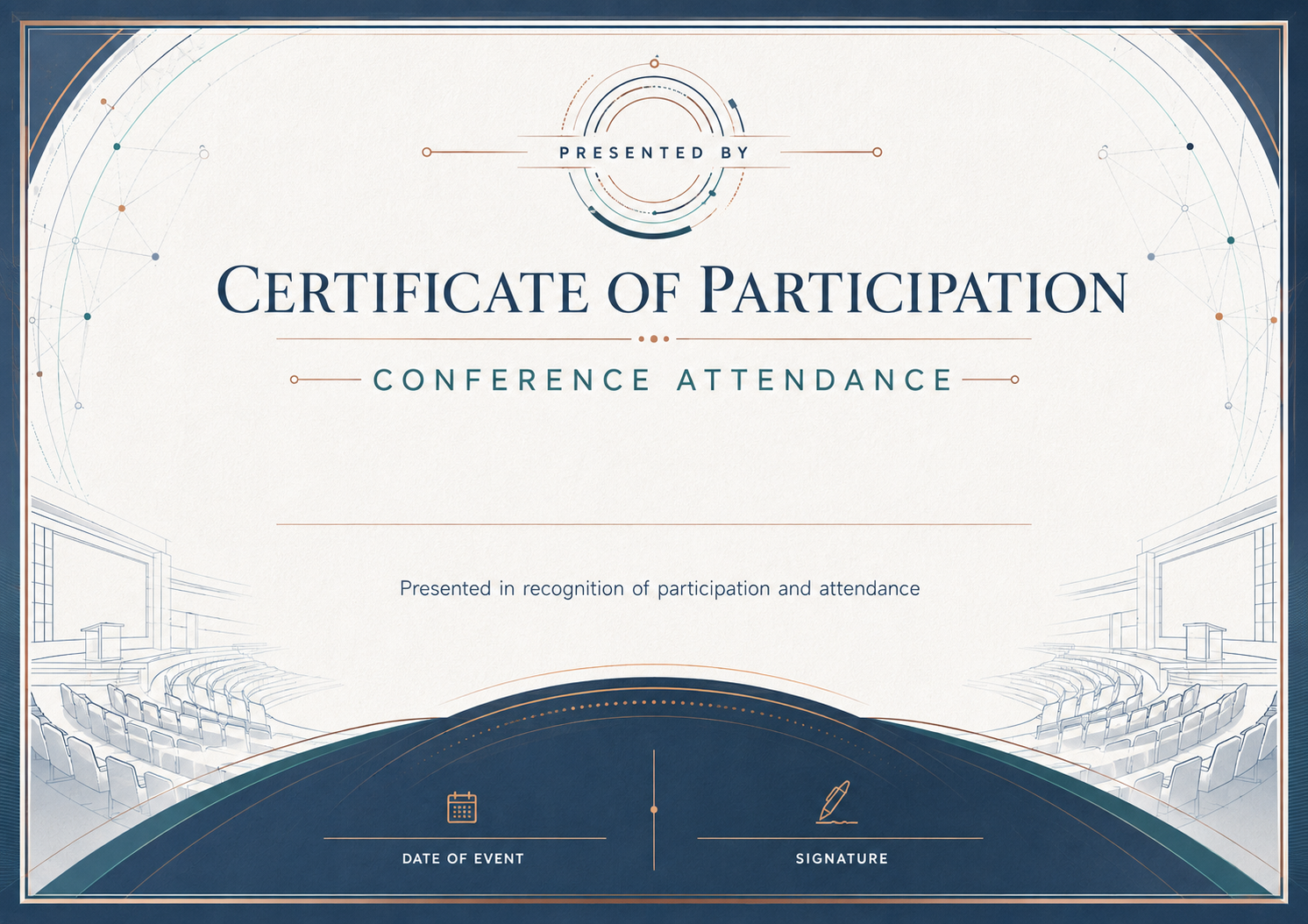
Conference Attendance — Landscape
Fill in the fields to update the preview.
Customize and Export in 3 Steps
Every certificate layout uses fixed typography and balanced spacing, ready for single downloads or batch issuance.
Pick a certificate template
Start with a print-ready design tailored to your occasion, with preset borders, seals, and typography.
Fill in recipient details
Enter names, dates, issuer titles, and signatures—or switch to Batch mode to import a spreadsheet.
Preview and export PDF
Inspect the live rendered preview, then export crisp print-ready PDFs or shareable digital credentials.
Pick a certificate template
Start with a print-ready design tailored to your occasion, with preset borders, seals, and typography.
Fill in recipient details
Enter names, dates, issuer titles, and signatures—or switch to Batch mode to import a spreadsheet.
Preview and export PDF
Inspect the live rendered preview, then export crisp print-ready PDFs or shareable digital credentials.
Who uses these templates
Organizations and teams that commonly issue certificates in this category.
- Industry and trade conferences
- Academic conferences and symposiums
- Medical and legal conferences that award hours
- Speaker and panelist thank-you certificates
Frequently asked questions
Answers to common questions about fields, printing, and customization.
Can I include continuing-education hours?
Yes. Add the hours to the event description, for example "Attended 12 hours of sessions". Accreditation depends on your provider status.
Can I send certificates to every attendee?
Export your attendee list as a CSV and generate every certificate in one batch. Paid plans can also email verifiable certificates.
Can I make a version for speakers?
Yes. Change the wording in the achievement field, for example "For presenting at the 2026 Annual Conference".
Can I add sponsor or organizer logos?
Save a copy of the template and add logos as images in the editor.
Related certificate categories
Event Participation
2 templates
Workshop Participation Certificate Templates
2 templates
Webinar Participation Certificate Templates
2 templates
Volunteer Participation Certificate Templates
2 templates
School Event Participation Certificate Templates
2 templates
Seminar Attendance Certificate Templates
1 template





Ready to Issue Professional Certificates?
Customize any template online with instant live preview, or open Studio to manage batches, branding, and verification.