
Participation Certificate Templates
Webinar Participation Certificate Templates
Webinar attendees are spread across time zones and often need a certificate for their records within hours of the session. These digital-first templates show the attendee, the webinar title, the host or presenter, the date and the duration, and they work well as an email attachment or a download link after the event.
PDF preview

Webinar Participation
Fill in the fields to update the preview.
Customize and Export in 3 Steps
Every certificate layout uses fixed typography and balanced spacing, ready for single downloads or batch issuance.
Pick a certificate template
Start with a print-ready design tailored to your occasion, with preset borders, seals, and typography.
Fill in recipient details
Enter names, dates, issuer titles, and signatures—or switch to Batch mode to import a spreadsheet.
Preview and export PDF
Inspect the live rendered preview, then export crisp print-ready PDFs or shareable digital credentials.
Pick a certificate template
Start with a print-ready design tailored to your occasion, with preset borders, seals, and typography.
Fill in recipient details
Enter names, dates, issuer titles, and signatures—or switch to Batch mode to import a spreadsheet.
Preview and export PDF
Inspect the live rendered preview, then export crisp print-ready PDFs or shareable digital credentials.
Who uses these templates
Organizations and teams that commonly issue certificates in this category.
- Professional associations running member webinars
- SaaS companies hosting customer training
- Universities offering open online lectures
- Continuing-education providers delivering online sessions
Frequently asked questions
Answers to common questions about fields, printing, and customization.
Can I include the webinar duration?
Yes. Add it to the event description, for example "Attended a 90-minute live webinar".
How do I send certificates to everyone who attended?
Export attendees from your webinar platform as a CSV and generate all certificates at once. Paid plans can email them directly.
Should on-demand viewers get a certificate?
That is your policy decision. Many organizers issue certificates only for live attendance or a completed quiz.
Can I add the presenter's signature?
Yes. Save a copy and add a signature image in the editor.
Related certificate categories
Event Participation
2 templates
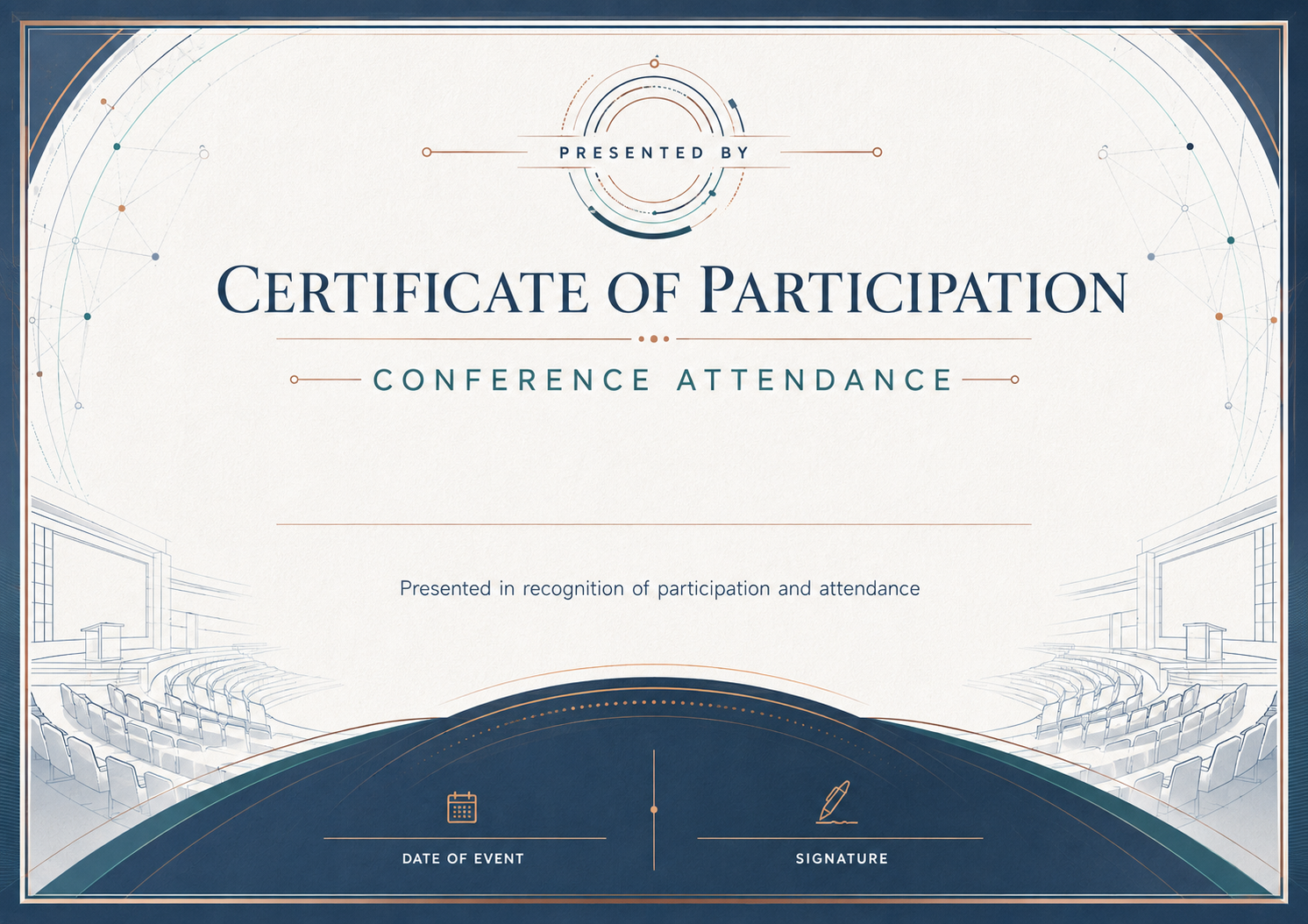
Conference Attendance Certificate Templates
1 template
Workshop Participation Certificate Templates
2 templates
Volunteer Participation Certificate Templates
2 templates
School Event Participation Certificate Templates
2 templates
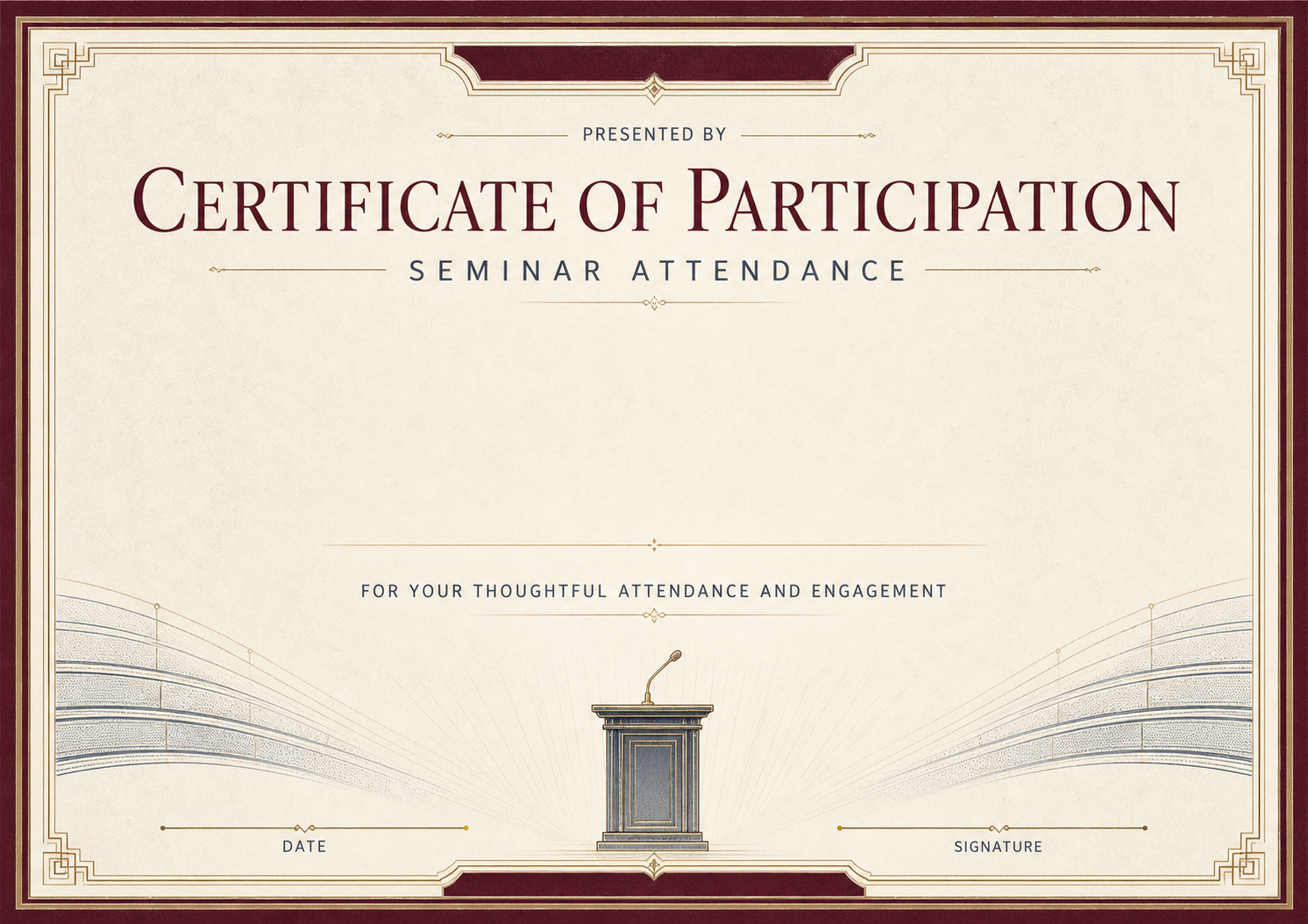
Seminar Attendance Certificate Templates
1 template




Ready to Issue Professional Certificates?
Customize any template online with instant live preview, or open Studio to manage batches, branding, and verification.